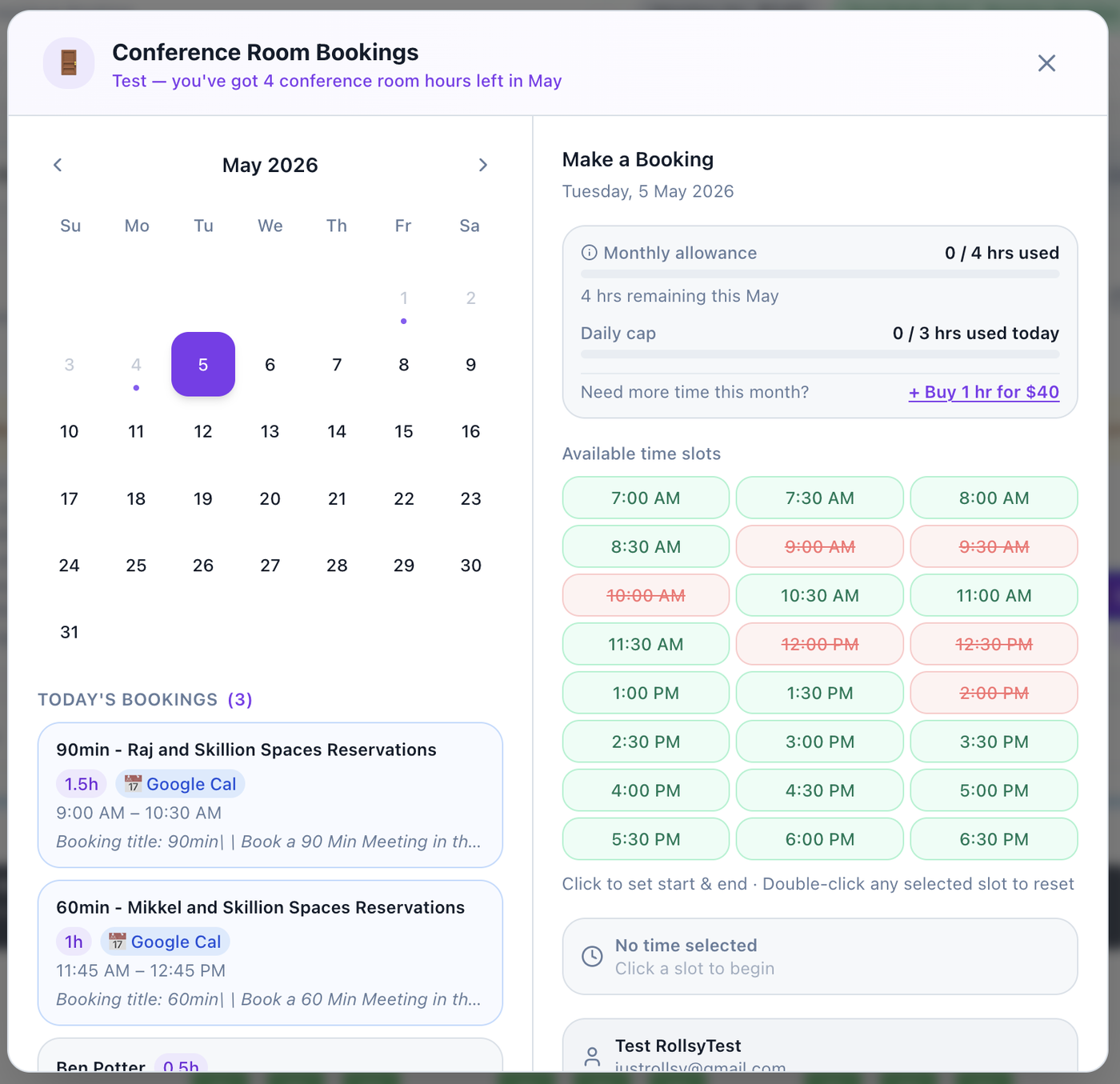

Booking the Conference Room is easy.
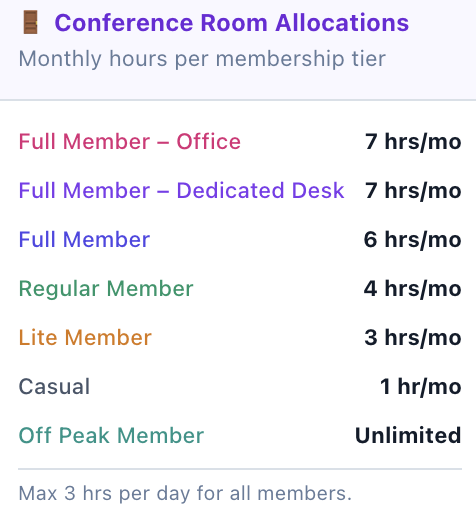
Your Membership Tier entitles you to credits each month. You can also buy more credits from inside the Desk Reservations App. You can change your membership tier at any time - see here.
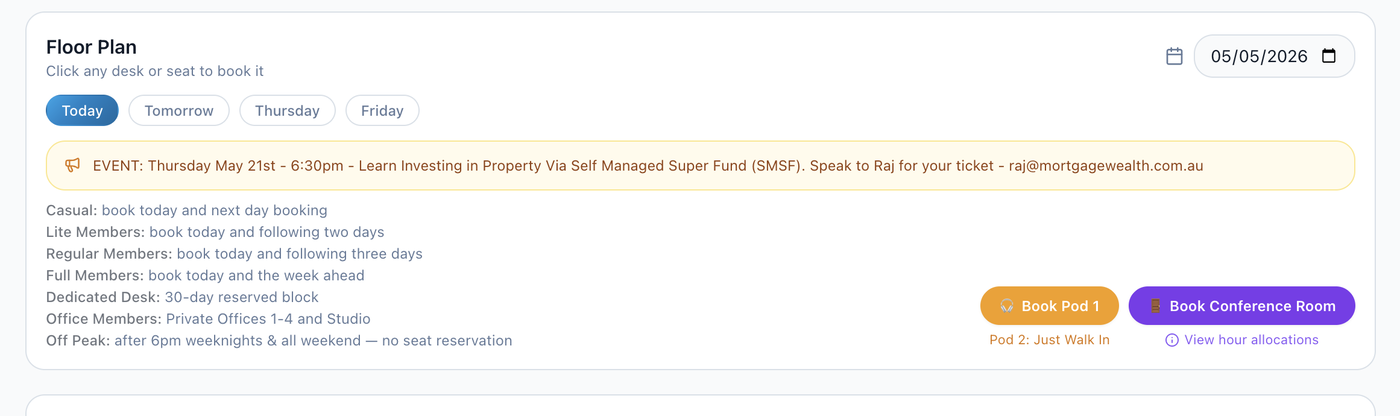
Check availability, your remaining monthly credits, and buy more if needed, all within the Desk Reservation App (see the purple button as shown below, or click on the Conference Room icon from the Floor Plan itself):
Then, view availability and make a booking by clicking a few buttons. You can click in lots of 30min, with a max of 3hr in a single day (pending availability and member tier limits).
Your monthly credits will be enough for most people, but you can buy an additional hour for $40. Please consider the other members when buying more hours (Phone Pod booking is free and easy).