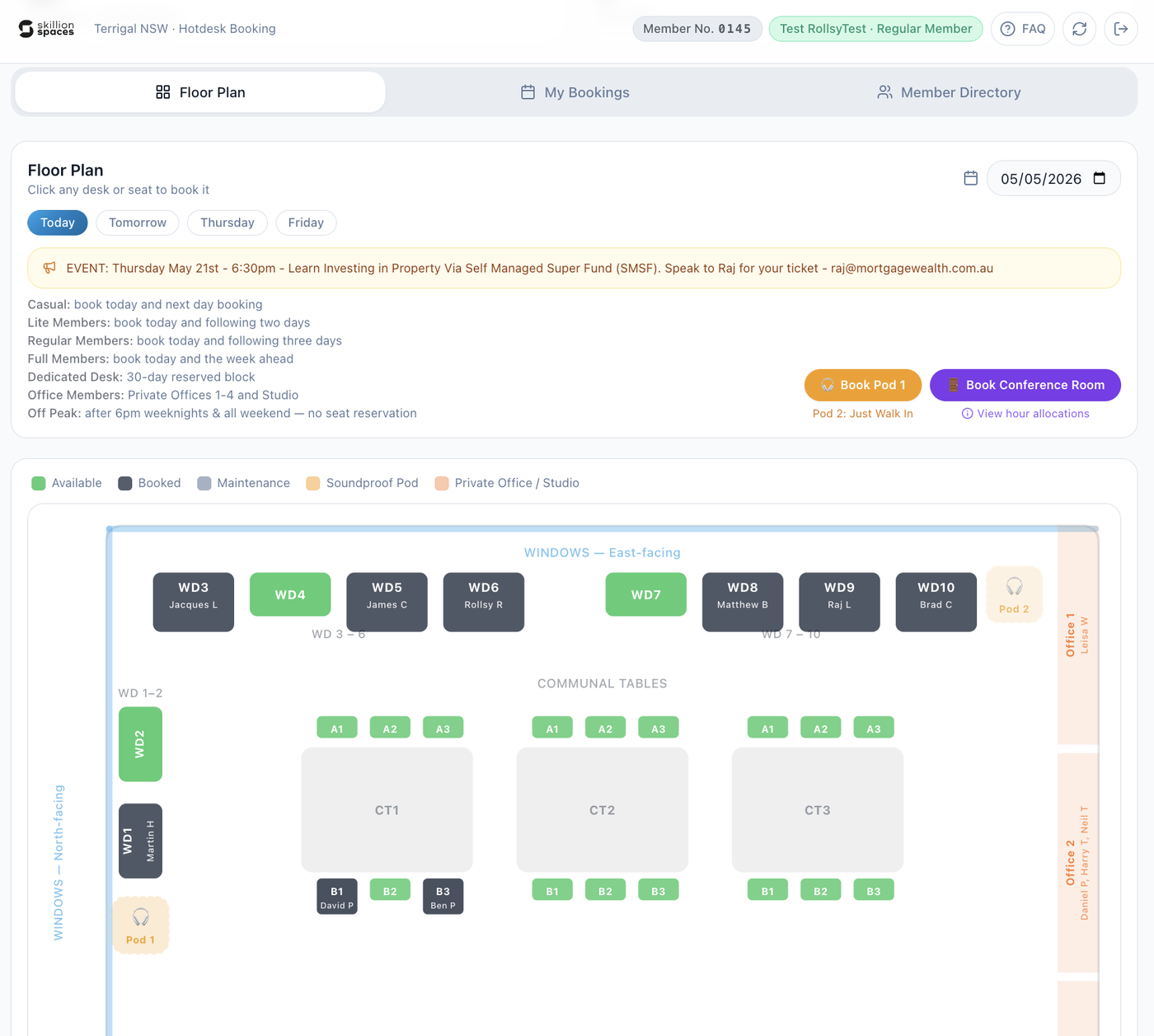

The Desk Reservation app is where members and visitors can manage their use of Skillion Spaces.
From inside the app, you can:
Book your preferred desk
Book the Conference Room or Phone Pod
View (and change) any upcoming bookings
Casual Visitors can check availability ahead of buying their passes (reservations.skillionspaces.com/availability)
Guests can check-in (and you’ll be notified of their arrival via email)
Use Member Directory to connect with others in the community via email, LinkedIn or company website
Message Rollsy, make a suggestion or request changes
We have a detailed Reservation App FAQ here.
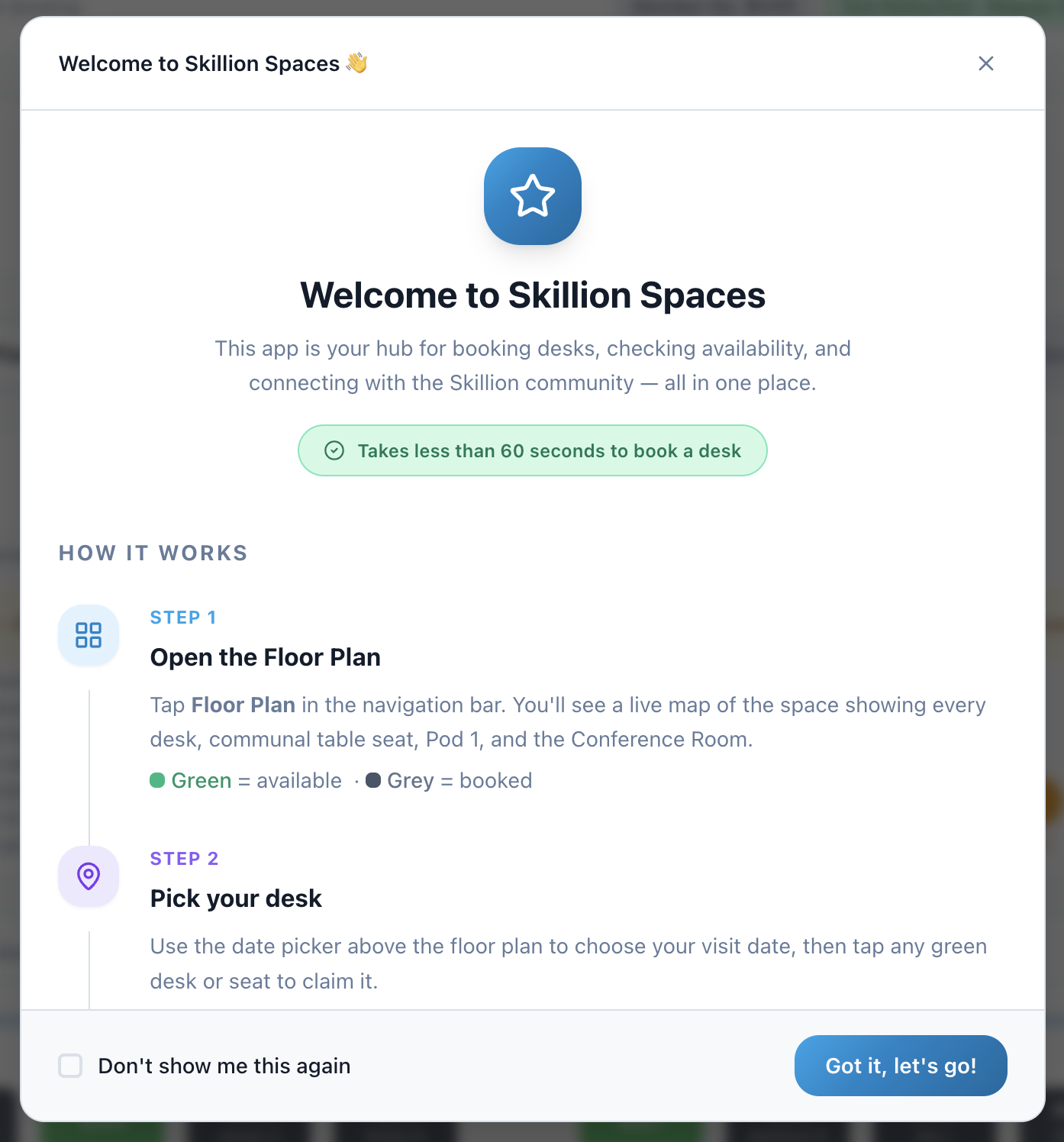
The first time you log in via phone or email, you can view a quick new user onboarding (you can check a box to skip that for subsequent use of the app). It looks like this:
Your normal view of the app will look like below. Clicking on a green (available) desk means you can book it within your membership limits (grey = already booked for this day).